New · Cash Kiosk
Cash in. Game on.
A self-serve touchscreen kiosk that takes bills and loads any terminal in your room. It takes the pressure off your cashier counter and every bill is accounted for.
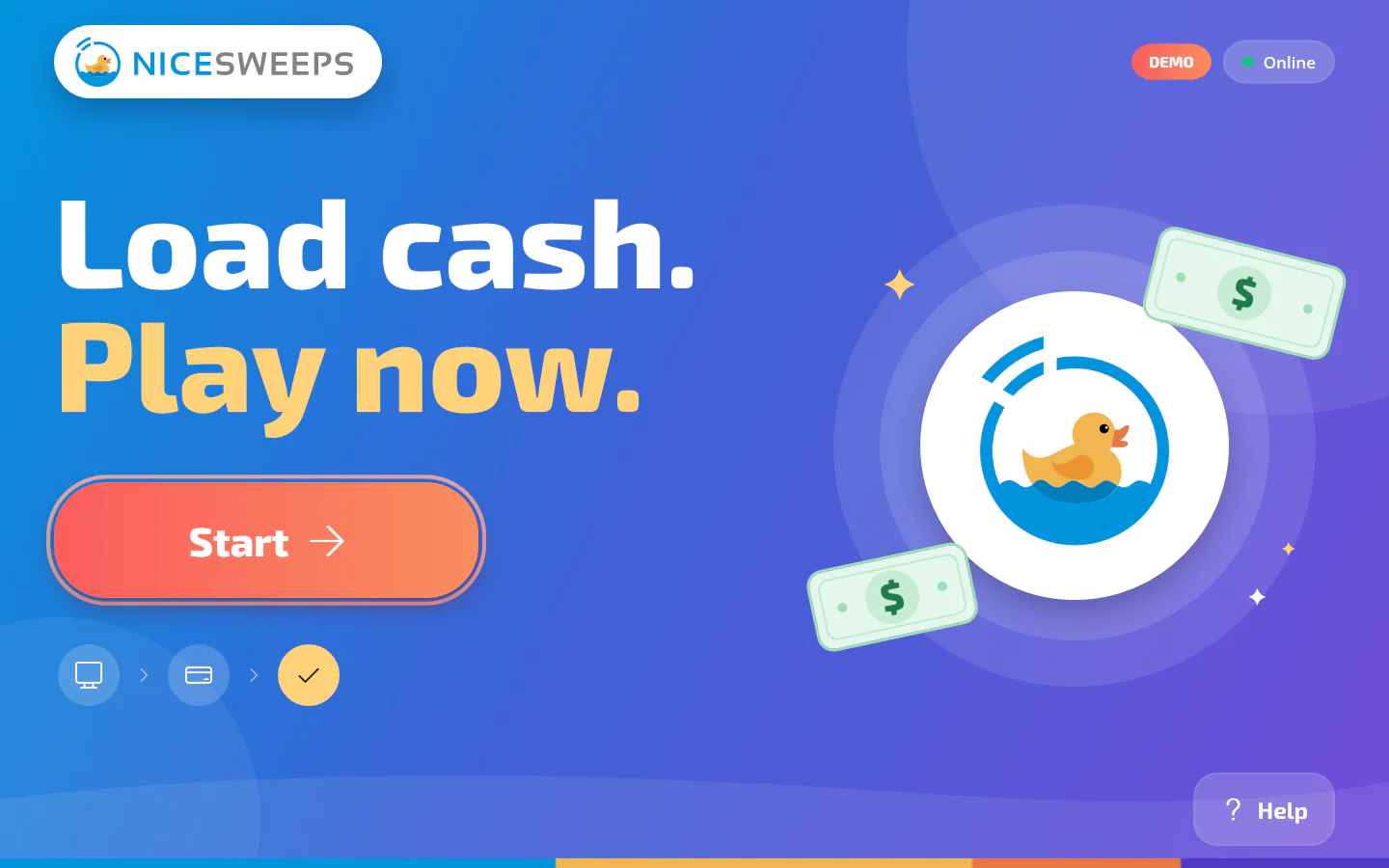

The player experience
So simple, nobody asks for help.
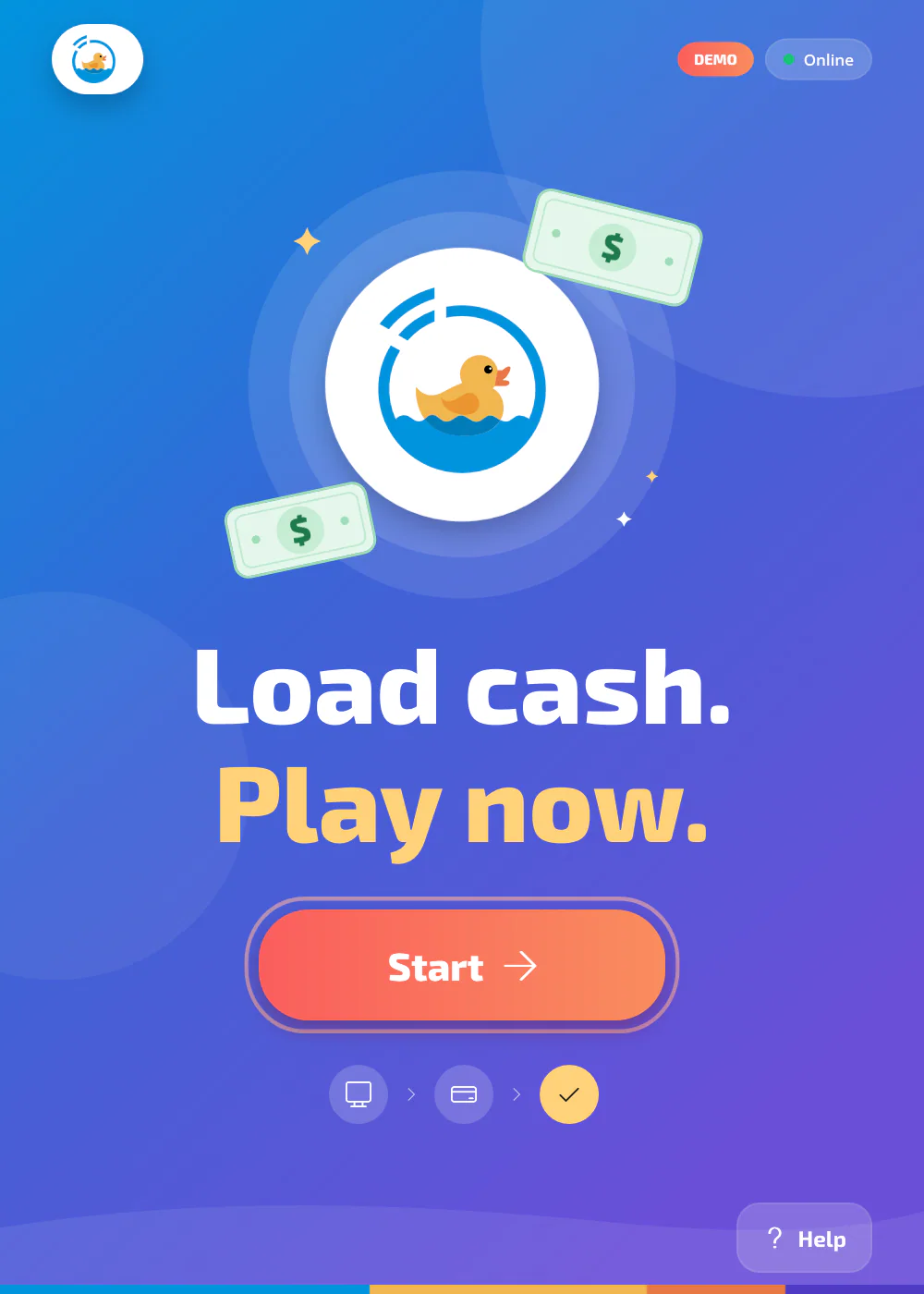
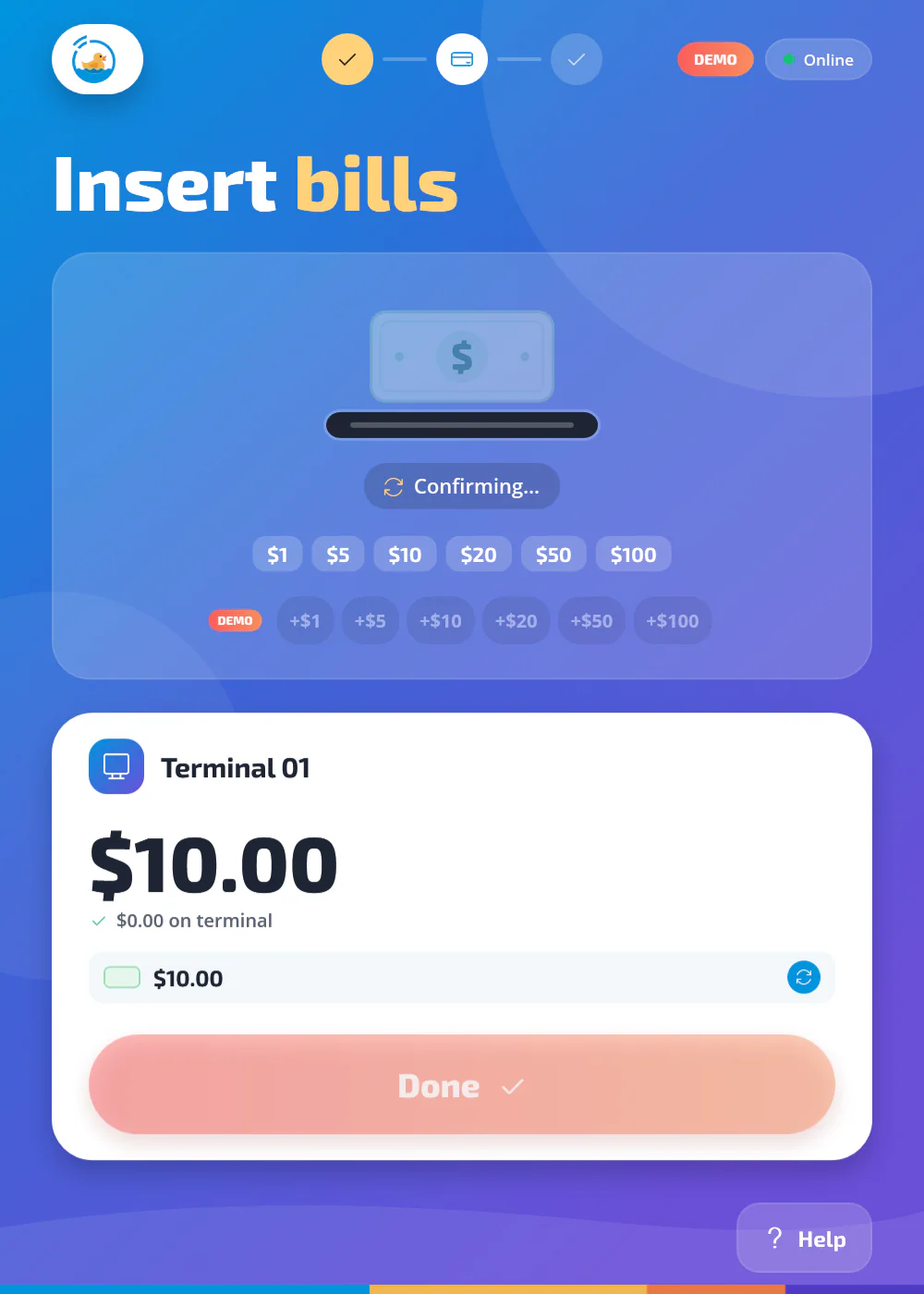
Built for a busy room, with big type and big buttons. It works in landscape or portrait.
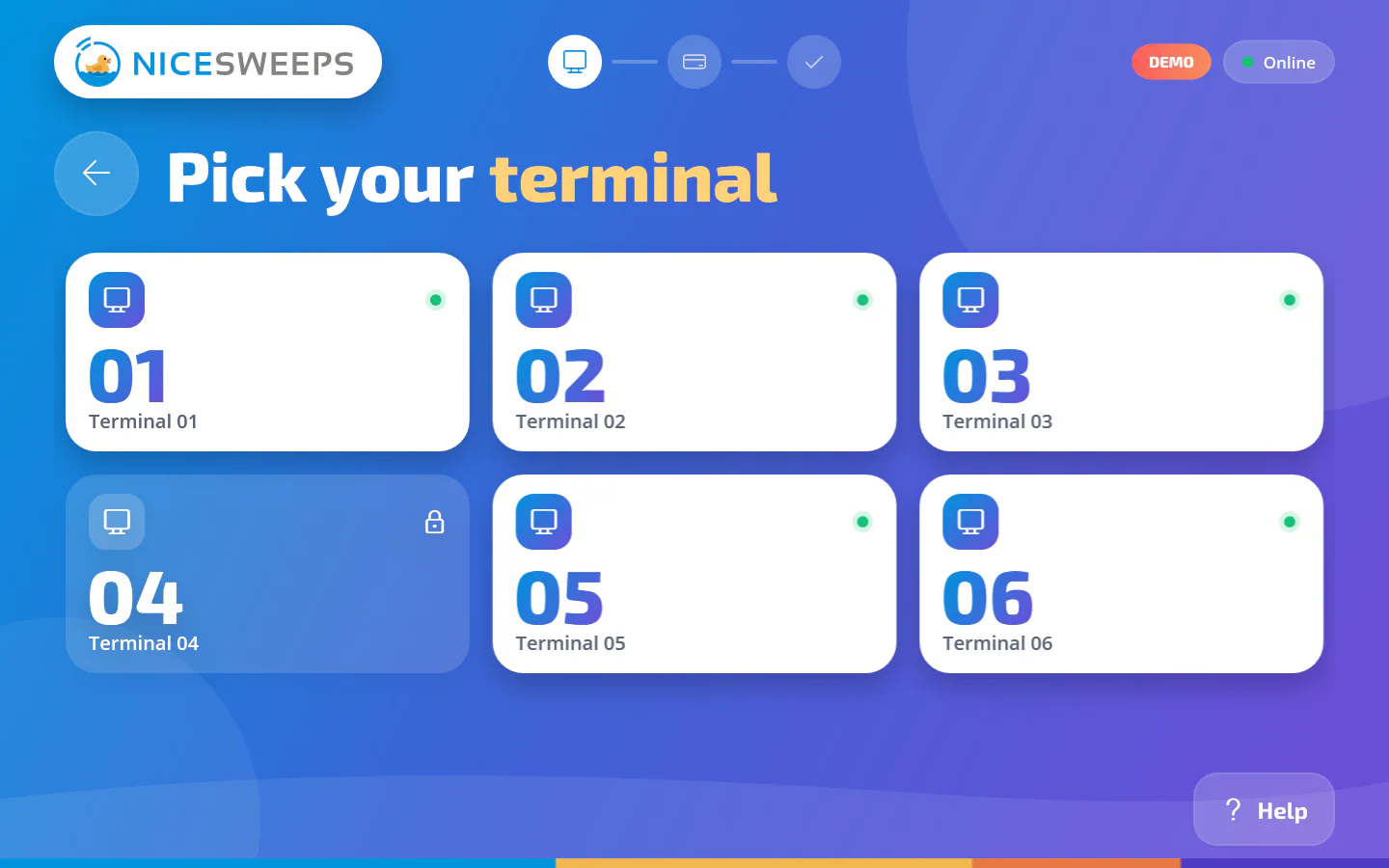
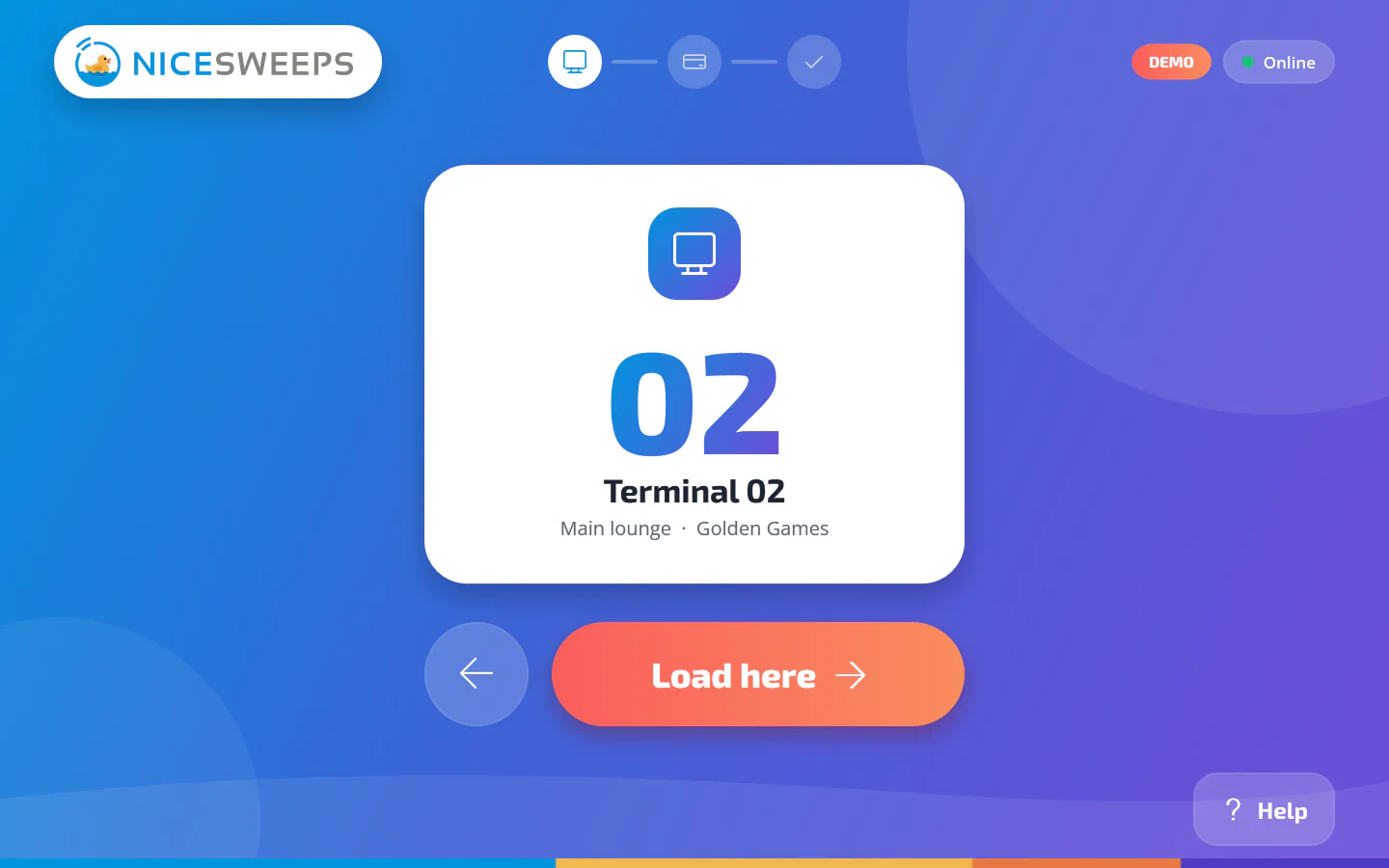
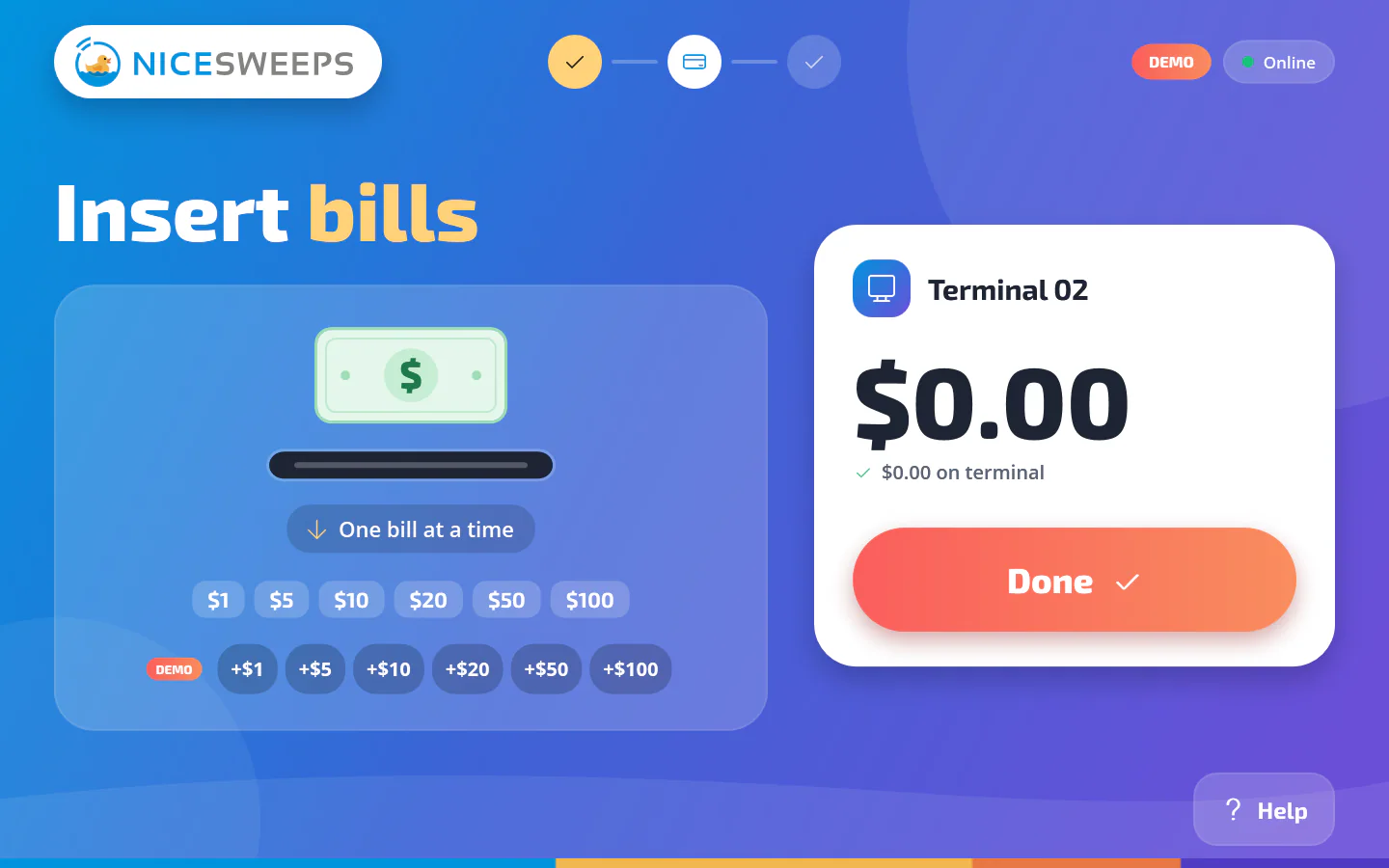
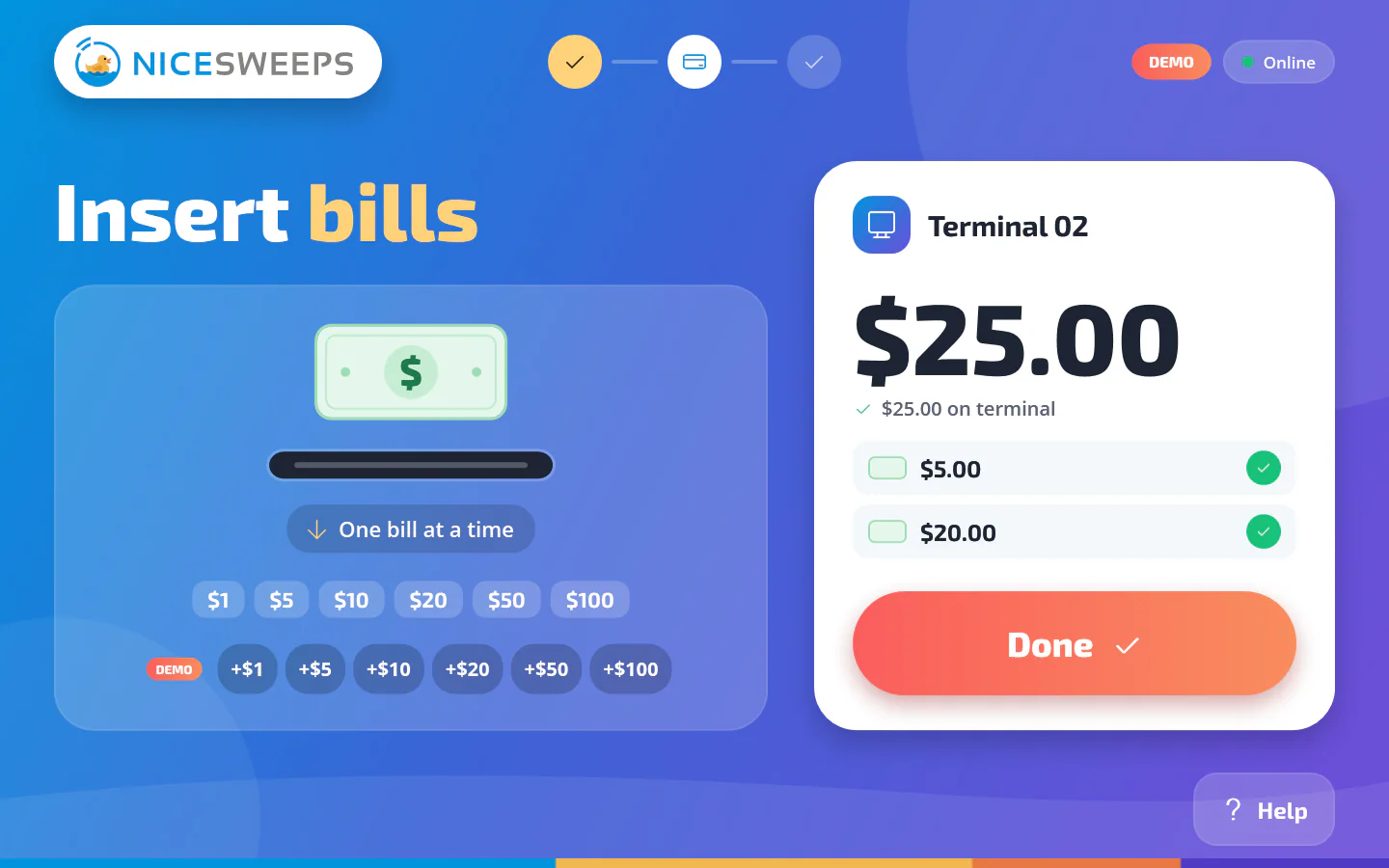
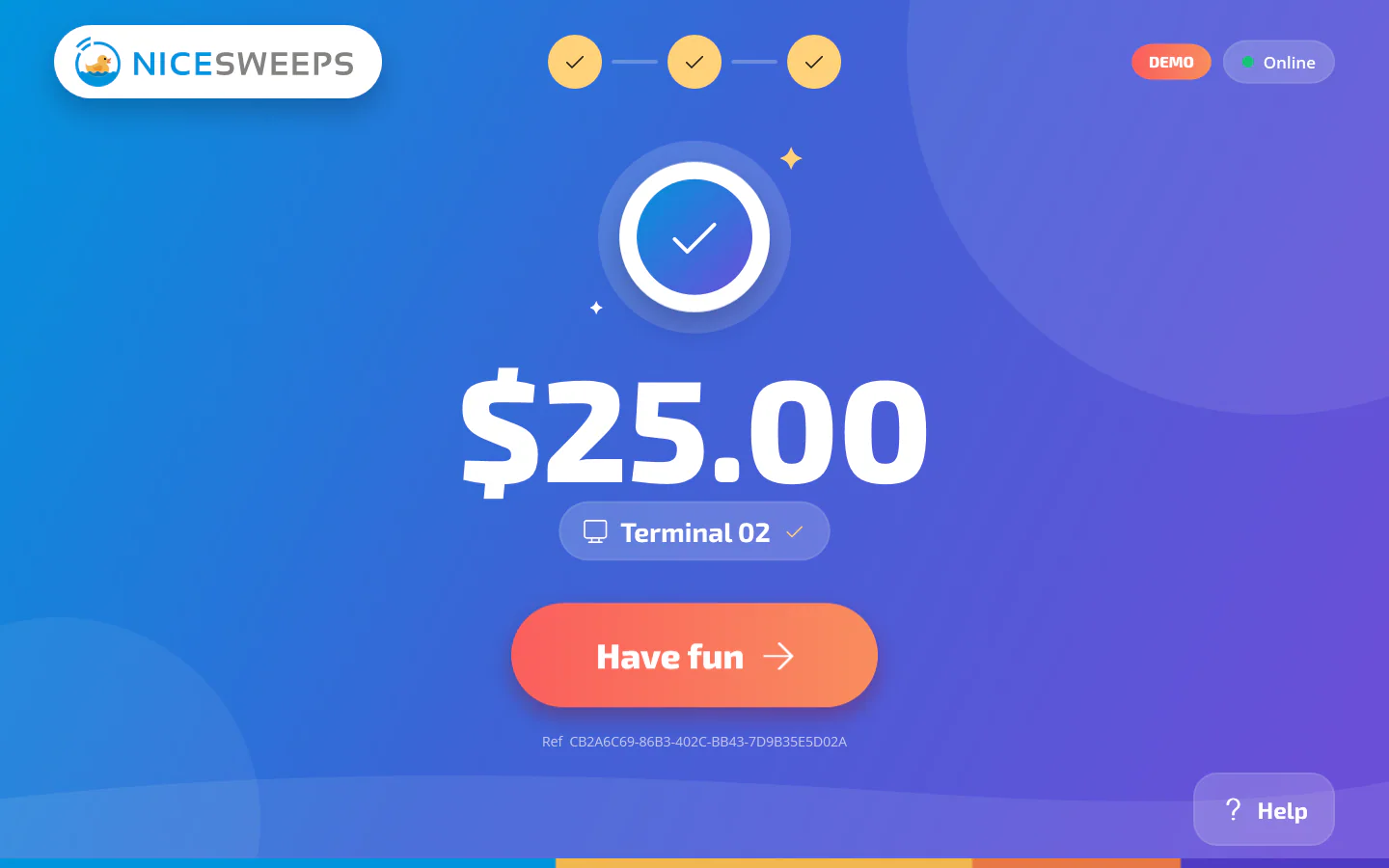
Screens shown in kiosk demo mode with simulated bills.
Hardware
Runs on hardware you can actually buy.
A full-screen Windows app on any x64 touchscreen, with the runtime bundled.
- Windows x64 touchscreen, landscape or portrait
- Mars / Apex (RS-232) or ICT bill acceptors with escrow, on RS-232 or USB-serial
- NiceSweeps POS on the same network. The kiosk finds it automatically
- Accepts $1, $5, $10, $20, $50, $100. The kiosk does not give change
- Demo mode with simulated bills for training and showrooms
Trust every dollar
Engineered so no bill goes missing.
Every bill has an ID
Each bill gets its own ID and an on-disk journal entry. It’s only credited after the acceptor confirms it was stacked.
Survives drops & restarts
Network blips and reboots are recovered automatically, so the player’s money is never lost in limbo.
Finds the POS by itself
Auto-discovers your NiceSweeps POS on the local network. No cloud required.
Locked down
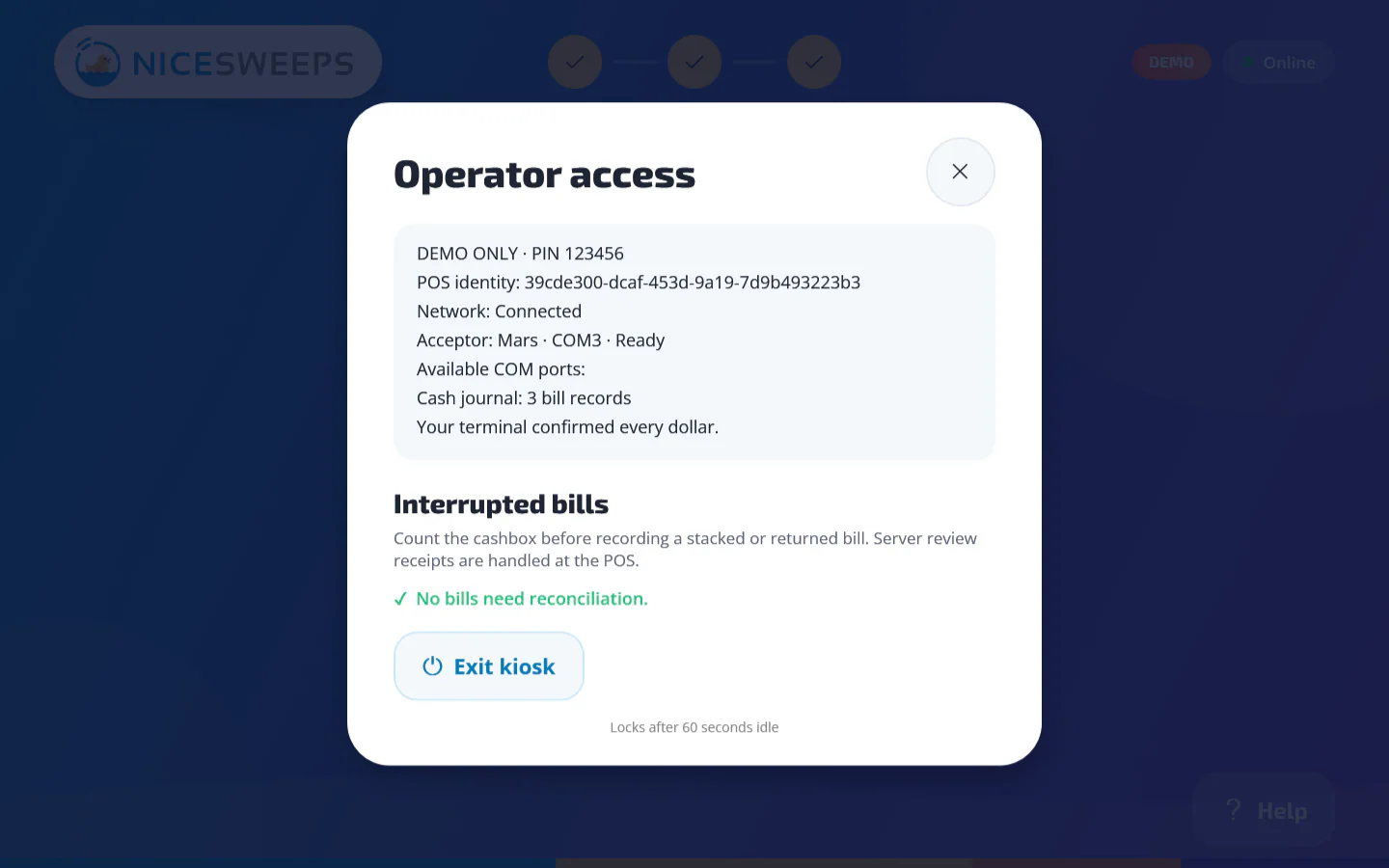
A PIN-protected operator screen (6–12 digits), Alt+F4 blocked, and the access token encrypted with Windows DPAPI.
Room-scoped credentials
Each kiosk is provisioned with a credential limited to a single room. Live cash stays off until the acceptor is commissioned on site.
One set of books
Kiosk loads land in the same POS reports as the cage. No second system to reconcile.
For operators
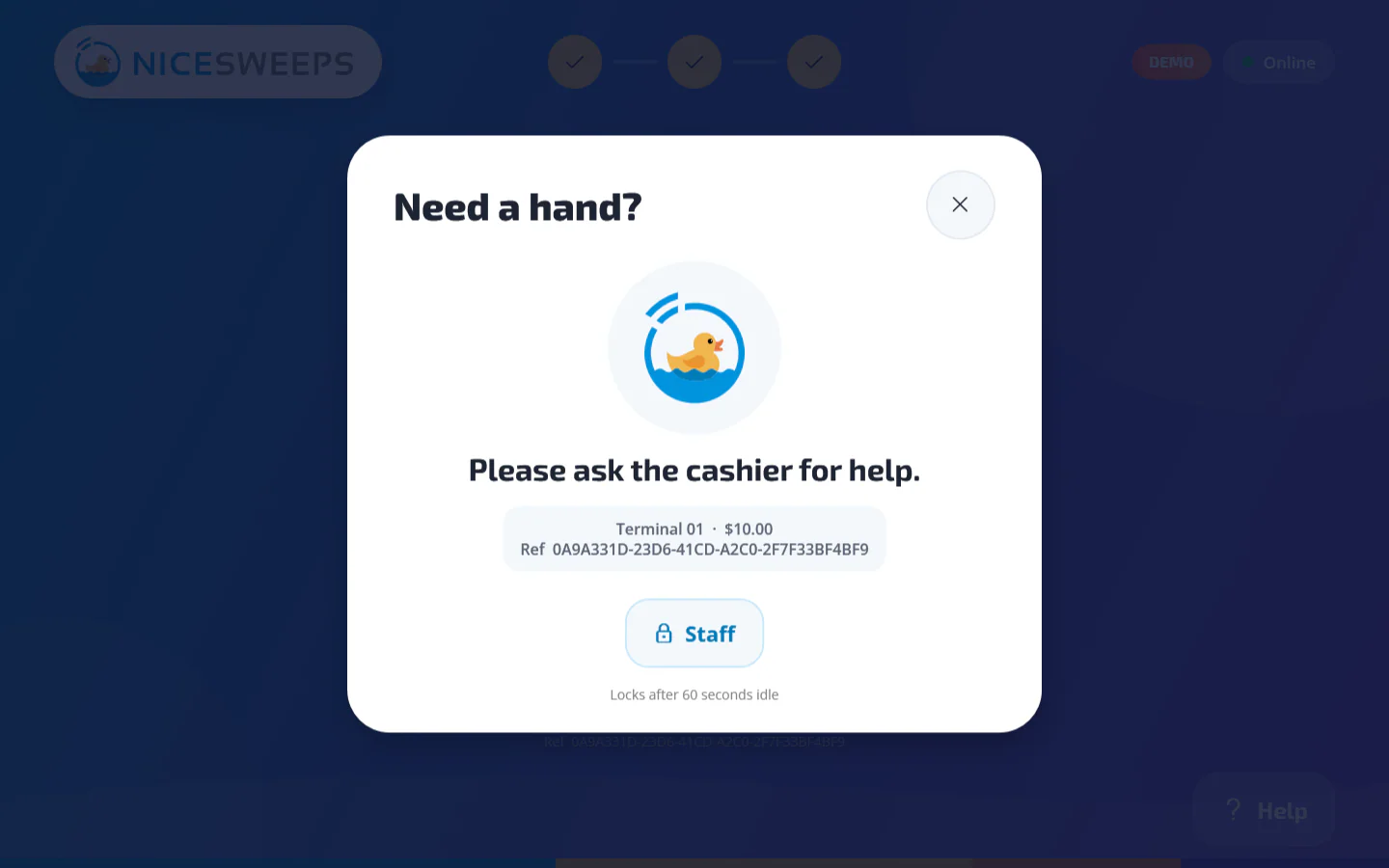
Recovery, help and diagnostics built in.
Idle reset
Screens return to welcome after 90 seconds so the next player always starts clean.
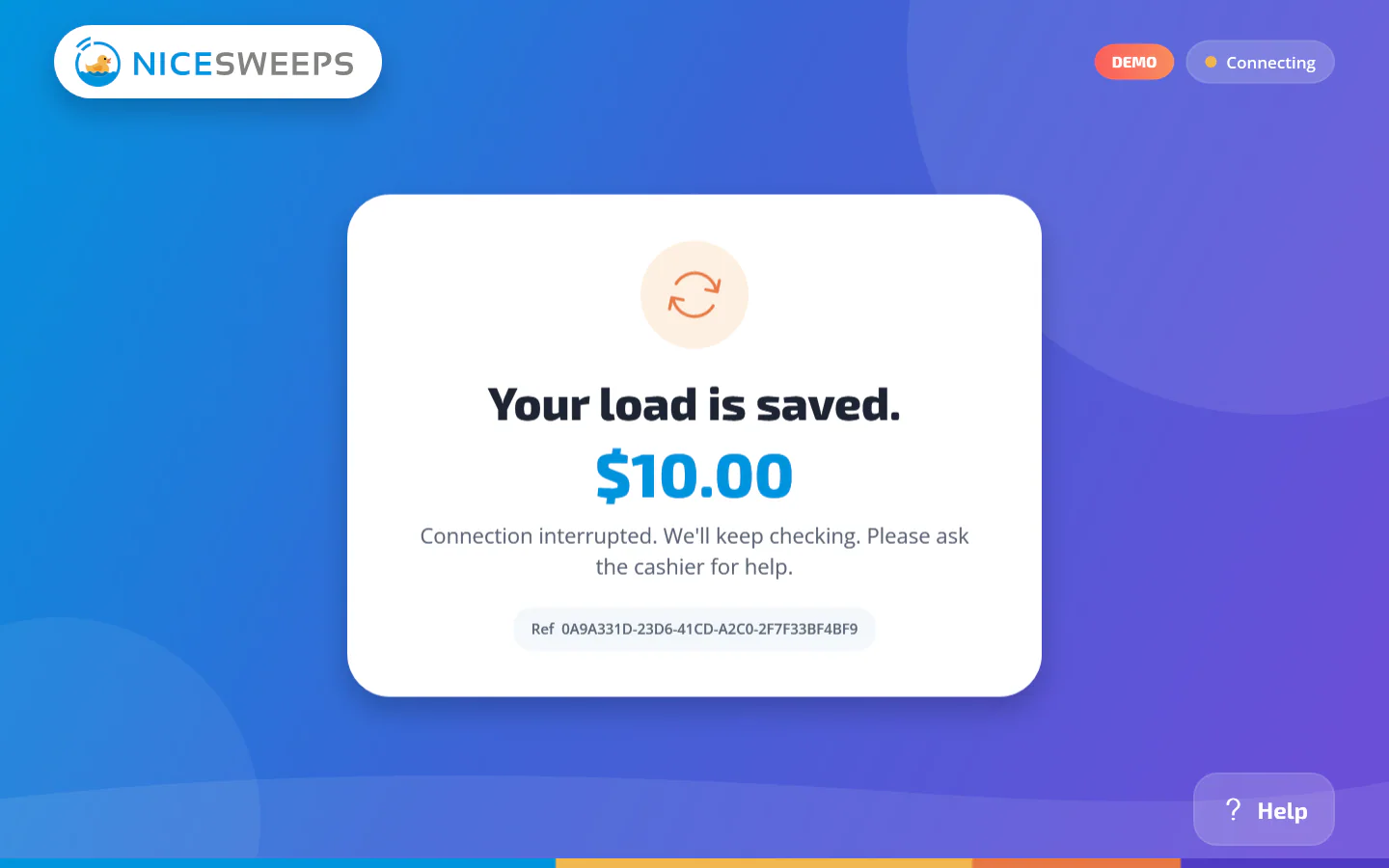
Recovered receipts
If anything interrupts a session, the kiosk resumes and prints a recovered receipt with the confirmed total.
One-command provisioning
Your installer provisions each kiosk from the POS with kiosk:provision, scoped to one room.



Give your cashier a break.
Ask about kiosk hardware bundles, demo units and distributor pricing.