NiceSweeps POS 1.5.0
The cashier screen that runs the room.
NiceSweeps POS brings every terminal in your location into one place. Fish tables, standups, kiosks, phones and prize boards all report to it, and it’s included free with your kit purchase.
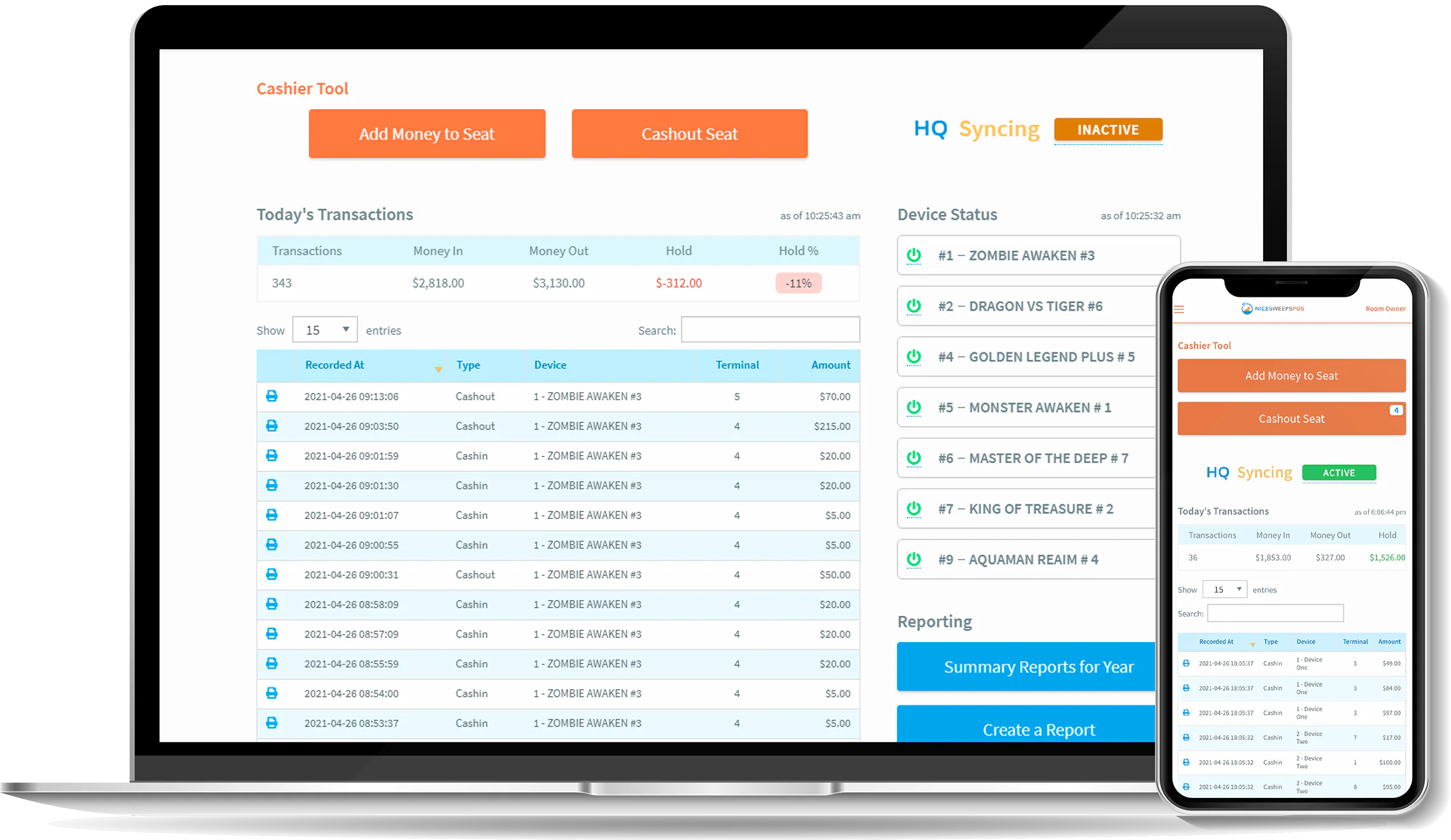

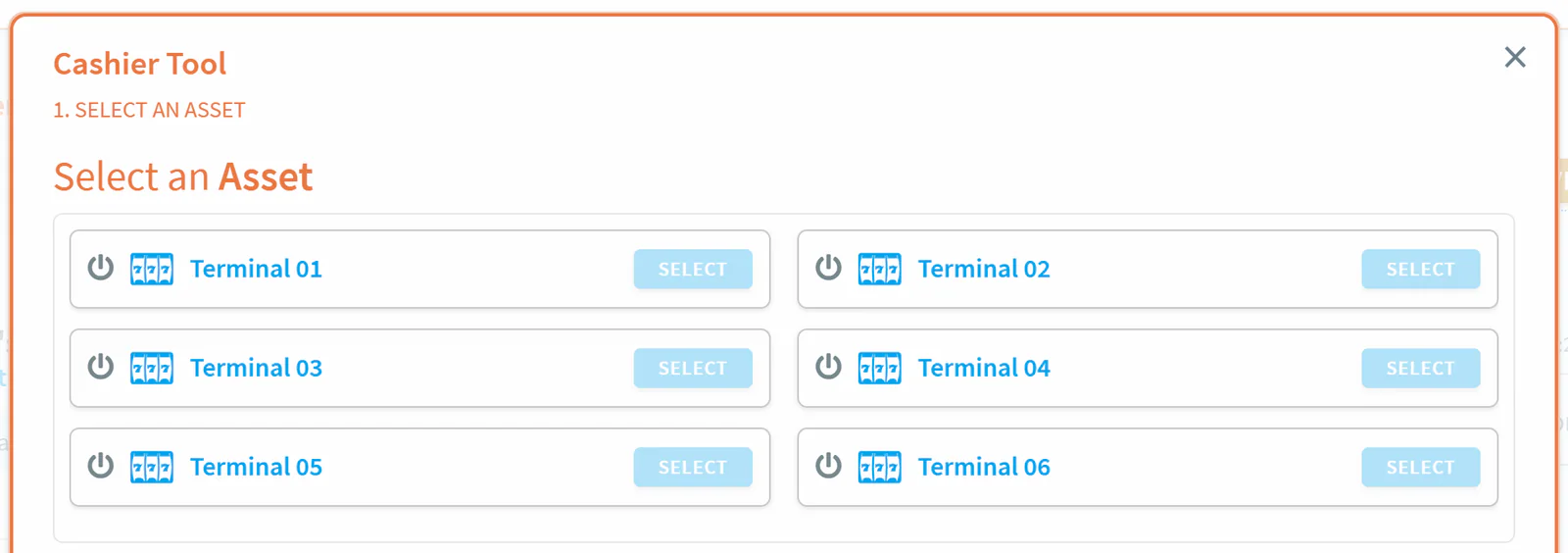
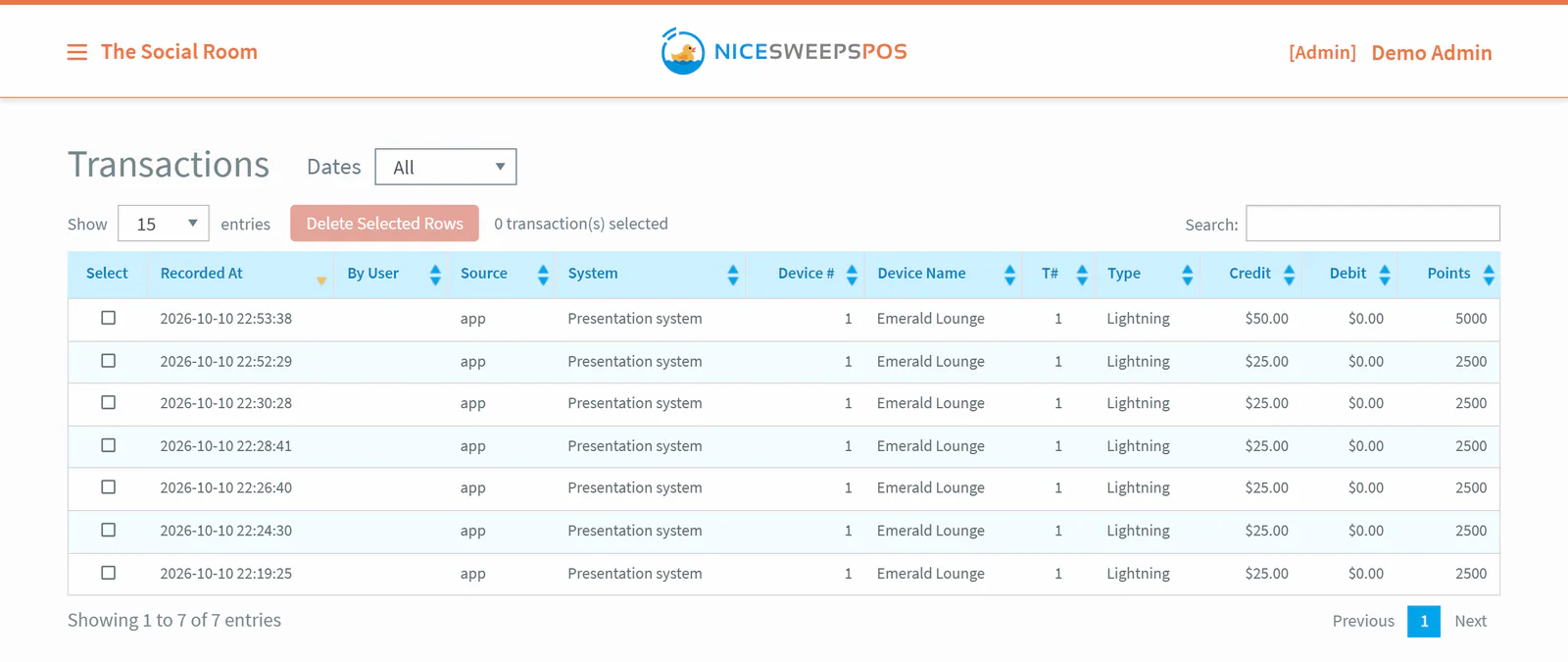
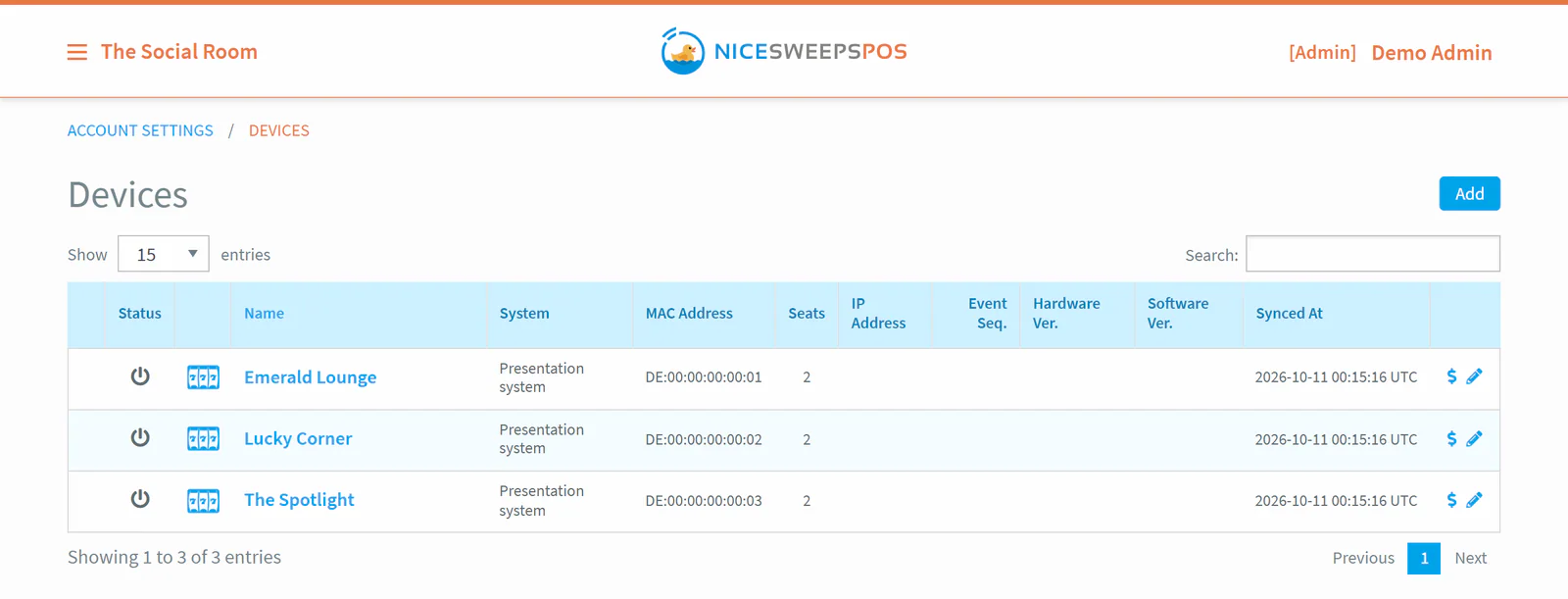
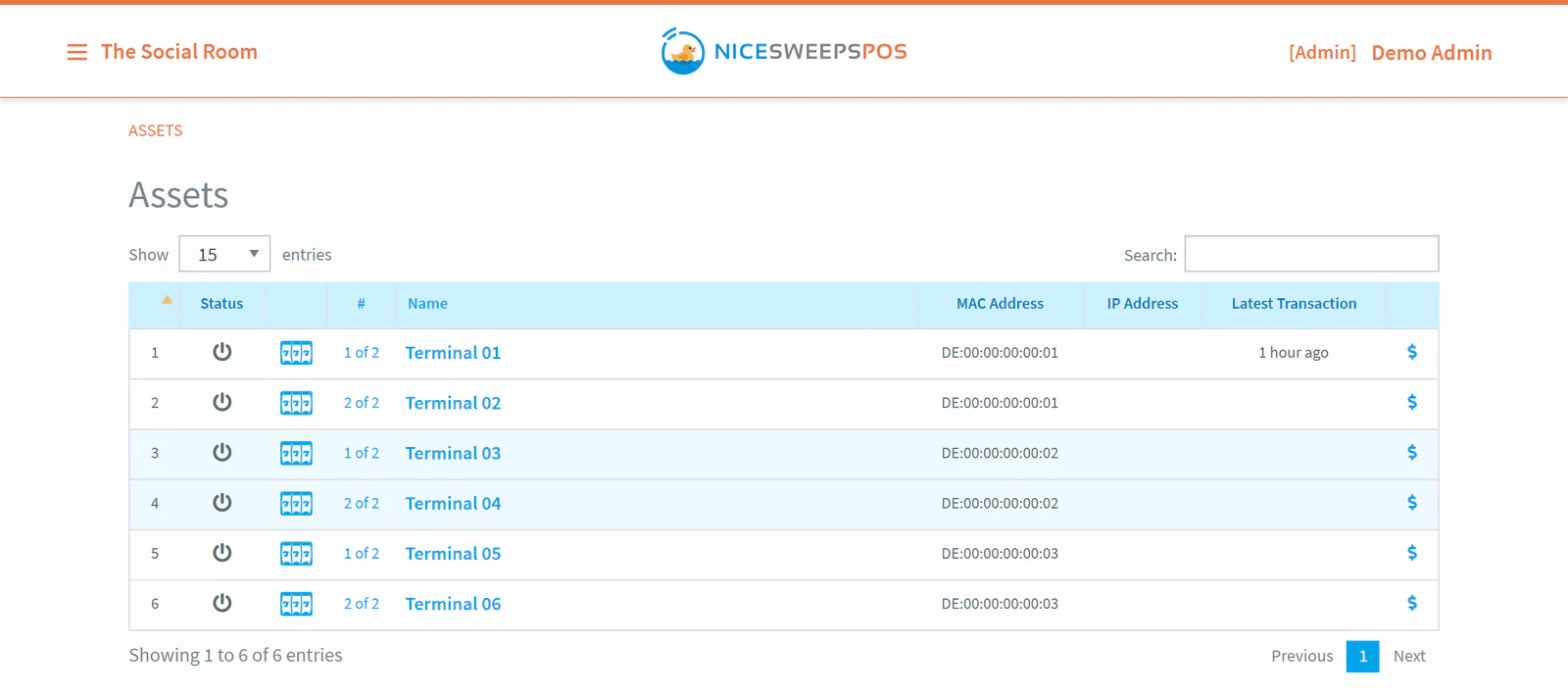
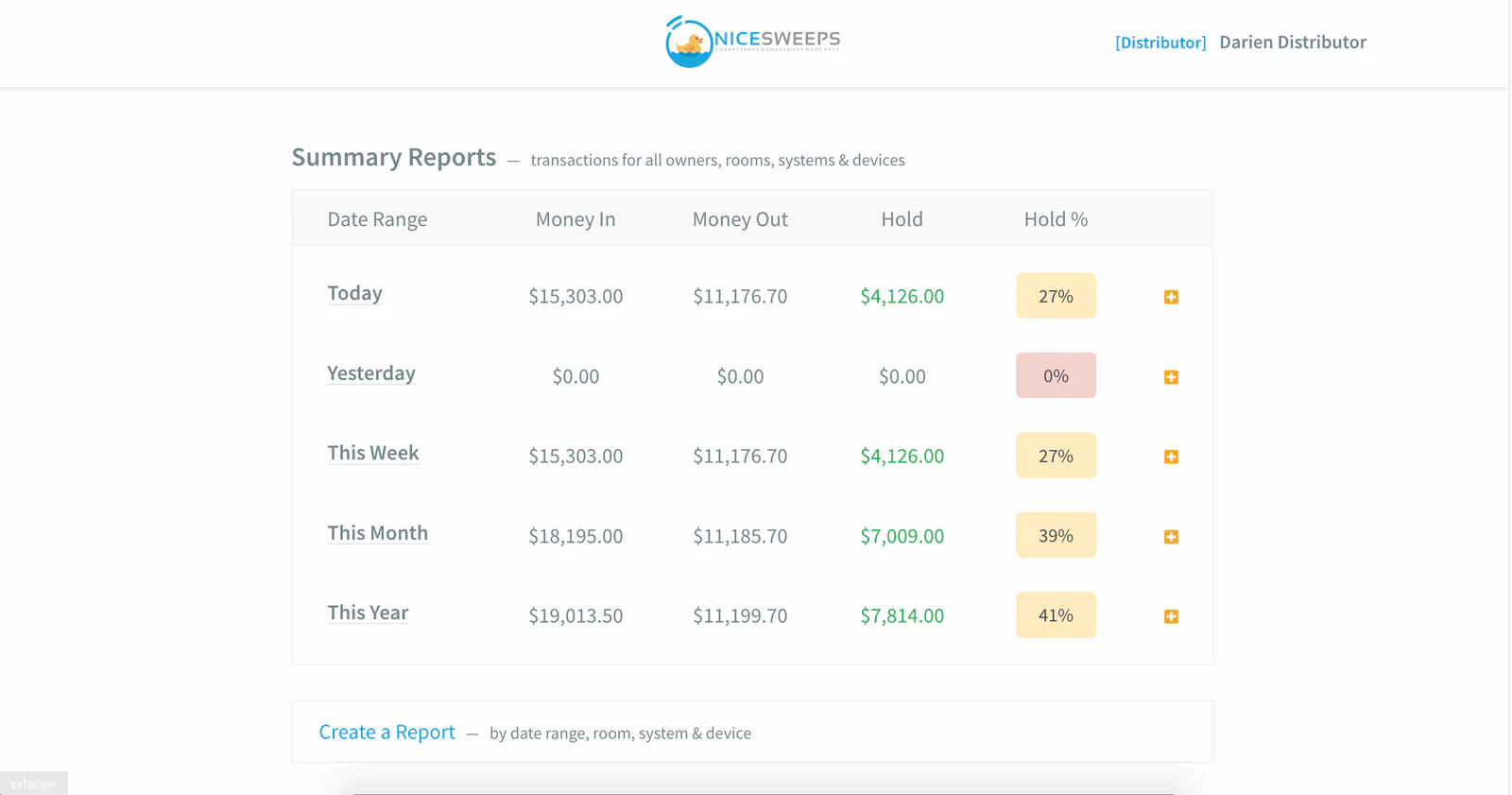
Real NiceSweeps POS and HQ screens. POS screens are shown with demo data.
Everything at the counter
Powerful for owners, obvious for cashiers.
No training needed. Cashiers are productive on day one and owners get the numbers they actually care about.
Add & cash out any seat
Cashiers add money or cash out by room, device and terminal from one screen. No more walking the floor with a key.
Any browser, even mobile
Manage every standup and fish table from the counter PC, a laptop or your phone.
Receipts & tickets
Transaction receipts, session receipts and ticket printing to any ESC/POS printer with an auto-cutter.
Fraud alerts
Pulse-level fraud alerts name the device, seat and points. Show them on screen and print a fraud receipt.
Reporting suite
Transactions, assets, cashier sessions and billing periods, with custom criteria when you need it.
Device & asset status
See which boards and seats are online, with alerts and access logs.
Roles that make sense
Owner, admin and cashier accounts, each with the right level of access. Every cashier gets their own login.
Works offline
The POS runs on your local network. Internet is recommended, but your room keeps running without it.
Feature modules
Turn on advanced modules like Lightning payments, Prize App and the NFT module as your room grows.
Cashier sessions
Shift handover without the drama.
Turn on cashier sessions and every shift gets its own drawer report. When a cashier ends a session, the numbers are already done.
- Cash in, cash out, balance and held % for every session
- Reconciled flag so owners know what has been checked
- Printable session receipt at handover
- Synced to HQ for remote review
Illustrative figures.
NiceSweeps HQ
Every room. One login.
HQ is the cloud side of NiceSweeps. Each POS syncs its rooms, devices, transactions and cashier sessions to HQ, so you can check every location from anywhere.
- Multi-room reporting across every location you own or manage
- Distributor accounts with invites and groups
- Batched, queued sync with a sync log and a “Sync Now” button
- Optional. Your POS keeps working without it
Cloud reporting
No more paper printouts. Your reports are stored in the cloud.
Always in sync
Transactions and sessions upload in the background.
Many locations
Group rooms by owner, region or distributor.
Stay informed
See device and fraud alerts across every room.
System requirements
Runs on a modest Windows PC.
POS computer
- Windows 10 or 11, 64-bit
- i5 quad-core processor or better
- 4 GB RAM (8 GB recommended)
- 120 GB SSD (solid state required)
Around it
- 1920×1080 HDMI monitor, keyboard and mouse
- USB ESC/POS receipt printer with auto-cutter
- Network switch and CAT5 to your boards
- Internet for HQ sync (recommended, not required)



Ready to make your room nicer?
See NiceSweeps running on real hardware. Book a call, request a demo kit, or ask about competitor trade-in pricing.